On this page (18)
- What Does AI for Customer Support Actually Do?
- Why Support Teams Are Adopting AI Right Now
- The Real Cost of Slow Support
- Where AI Fits Into an Existing Support Operation
- A Realistic Rollout Plan, Not a Big Bang Cutover
- AI Support vs. the Alternatives
- When AI Is Not the Right Fit for Your Support Team
- 6 Questions to Ask Before Choosing an AI Support Tool
- Industries Where AI Support Is Already in Production
- What Does AI for Customer Support Cost?
- Common Questions About AI for Customer Support
- Will AI actually resolve issues, or just answer simple questions?
- Is there a risk of the AI giving wrong information?
- Can customers still reach a human?
- How long does it take to set up?
- Will it replace our support team?
- Does it work over the phone, or just chat?
- Why Businesses Choose My Call Pilot for Support
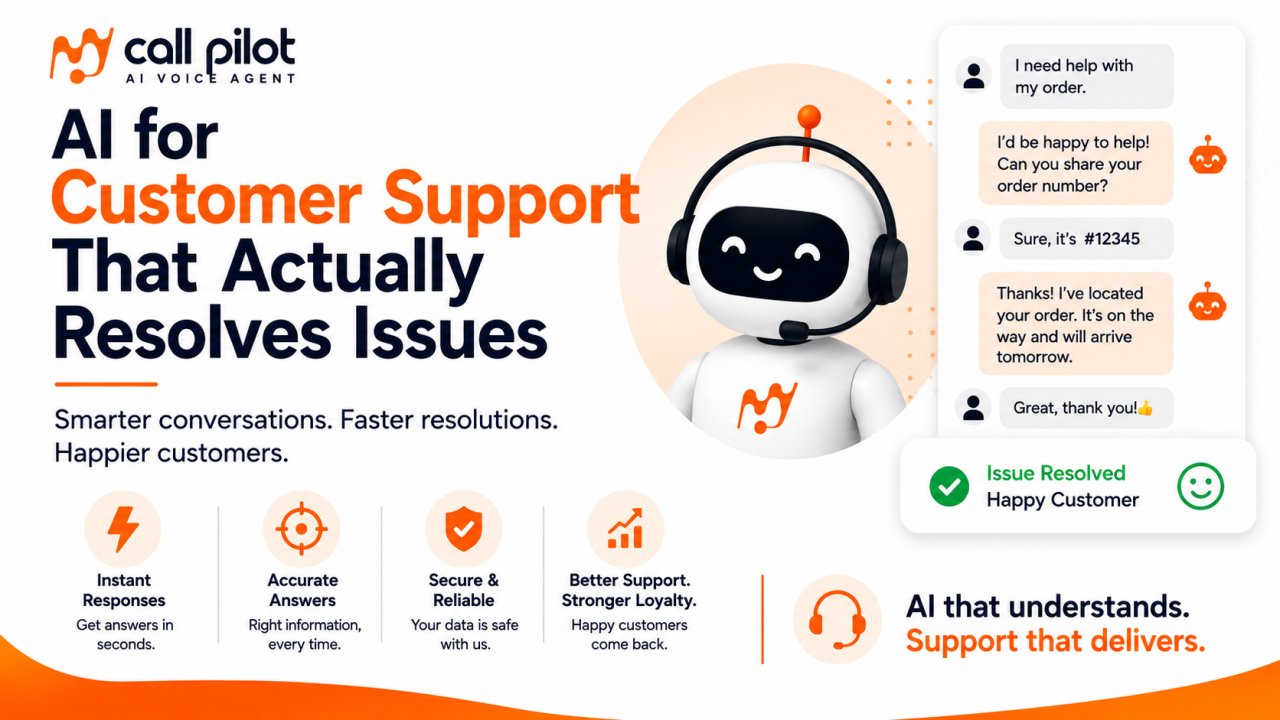
AI for customer support uses conversational AI, natural language processing and a business's own knowledge base to answer customer questions, troubleshoot issues and resolve tickets, over phone, chat, or text, without a human agent handling every single request. Done well, it doesn't replace a support team so much as absorb the repetitive, high volume questions so the team can spend their time on the conversations that actually need a person.
The gap between "we should look into AI for support" and "we have AI handling support well" is usually not a technology problem. It's a rollout and configuration problem. This page covers what AI for customer support actually does, where it fits into an existing support operation, what it costs and a realistic way to introduce it without risking your customer experience on day one.
What Does AI for Customer Support Actually Do?
AI for customer support handles the parts of a support conversation that follow a repeatable pattern. That includes answering FAQs, checking order or account status, walking someone through a common troubleshooting step, scheduling a callback, or collecting details before handing off to a human. It does this by combining three things, a knowledge base of your actual support content, a model that can hold a real conversation instead of a rigid script and clear rules for when to escalate to a person.
The distinction that matters most for support specifically is this. A good AI support agent doesn't try to answer everything. It's built to recognize the edge of its own knowledge and route to a human rather than guess, which is the single biggest factor separating support AI that builds trust from support AI that damages it.
Why Support Teams Are Adopting AI Right Now
⏱️ AI assisted support has been shown to cut first response times by 37% and resolve tickets 52% faster on average.
📊 95% of decision makers already using AI in customer service report reduced support costs and time savings and 92% say it improves service quality.
📈 26% of customer service professionals have already integrated AI into their workflows and 83% of companies plan to increase AI investment over the next year.
🎧 Recent industry reporting describes AI moving from a peripheral add on to a central part of how support conversations flow, though this kind of insight typically comes from a small set of participating vendors rather than a representative industry wide sample, worth keeping in mind before treating any single adoption number as universal.
🙋 90% of customers now expect an instant response when they reach out, a bar that's difficult to hit consistently with headcount alone during volume spikes.
⚖️ Even with strong AI adoption, 85% of consumers say their issue eventually requires human intervention at some point. That statistic matters as much as any adoption number. AI for support works best as a layer in front of your team, not a replacement for it.
The Real Cost of Slow Support
Slow support doesn't just frustrate the customer who's waiting. It shows up in churn, negative reviews and repeat contacts (the same customer messaging again because the first reply didn't land). A simple way to frame the cost before evaluating any AI tool is below.
Support requests received per week (calls, chats, tickets) Minus requests resolved within your target response time = Delayed resolutions × Estimated churn or downgrade rate tied to poor support experience × Average customer lifetime value = Estimated monthly cost of slow support
This calculation is uncomfortable for most growing teams to run, which is exactly why it's worth running before deciding an AI support tool is (or isn't) worth the monthly cost.
Where AI Fits Into an Existing Support Operation
AI for customer support isn't an all or nothing switch. It typically layers into an existing setup in stages.
Tier 0, pure self service. The AI answers common questions directly (hours, pricing, order status, account basics) across phone, chat, or text, sourced from a connected knowledge base.
Tier 1, guided troubleshooting. The AI walks a customer through a defined troubleshooting flow (reset steps, common fixes) before escalating if the issue isn't resolved.
Tier 2, qualification and handoff. For anything the AI can't resolve, it collects the relevant details (account, issue summary, urgency) and either transfers live to a human during business hours or logs it with full context for the next available agent.
On My Call Pilot specifically, this is built through a calling agent connected to a knowledge base built from your documents, FAQs, or website content (retrieval augmented generation, so it answers from your actual support material instead of guessing), with live call transfer rules based on your business hours, a website chat and voice widget for support questions that come in outside of a phone call and SMS follow up for anything that needs a status update after the initial contact. Every conversation logs a transcript, an AI summary and analytics data, so a support lead can review quality and refine the knowledge base over time rather than deploying once and hoping.
A Realistic Rollout Plan, Not a Big Bang Cutover
The fastest way to damage trust in AI support is to launch it on 100% of volume with an unfinished knowledge base. A staged rollout works better in practice.
- Audit your last 60 to 90 days of support conversations and identify the most repeated questions, this becomes your first knowledge base draft.
- Build and test the agent internally before any customer sees it, including deliberately asking it questions outside its knowledge to confirm it escalates instead of guessing.
- Launch to a small share of inbound volume (after hours calls, or a specific channel) rather than everything at once.
- Review call logs and transcripts weekly for the first month and correct the knowledge base based on real conversations, not assumptions.
- Expand coverage to more hours, more channels and more question types as accuracy holds up.
This is slower than flipping a switch, but it's the difference between AI support that earns trust and AI support that generates complaints in week one.
AI Support vs. the Alternatives
| Approach | Speed | Cost to Scale | Consistency | Best For |
|---|---|---|---|---|
| Human support team only | Limited by headcount and hours | High (hiring, training, turnover) | Varies by agent | Complex, judgment heavy issues |
| Static FAQ / help center | Instant, but self directed | Very low | High, but often incomplete | Simple self service only |
| Basic rule based chatbot | Instant for scripted paths | Low | Rigid, frustrates off script questions | Narrow, predictable question sets |
| Outsourced answering service | Fast, human staffed | Moderate to high per minute | Generic scripts, limited product depth | Basic message taking, overflow coverage |
| AI for customer support (voice + chat) | Instant, 24/7 | Moderate, scales without linear headcount | Consistent, improves as knowledge base improves | Repeatable questions across channels, with human escalation for the rest |
When AI Is Not the Right Fit for Your Support Team
Worth saying directly, since most vendor pages skip it.
- If your support volume is low and irregular, the ongoing platform cost may not beat a part time human hire.
- If your product or policies change so frequently that keeping a knowledge base accurate becomes a full time job in itself, AI accuracy will lag behind reality.
- If most of your support conversations are genuinely novel, emotionally sensitive, or require case by case judgment (serious complaints, refund disputes with nuance), routing everything to AI first can frustrate rather than help. Route these straight to a human by design.
- If nobody on your team will own reviewing transcripts and refining the knowledge base after launch, quality will drift and complaints will follow.
6 Questions to Ask Before Choosing an AI Support Tool
- What happens when it doesn't know the answer, does it escalate cleanly, or does it guess?
- Which channels does it actually cover and do they share context, or does a customer have to repeat themselves switching from chat to phone?
- How is the knowledge base built and updated, can your team edit it directly, or does every change need a developer?
- Can you set escalation and business hours rules yourself?
- What reporting do you get to see what's being resolved, what's escalating and where the AI is getting things wrong?
- What's the actual cost per resolved conversation, not just the plan's sticker price, once you account for included volume and overage rates?
Industries Where AI Support Is Already in Production
AI driven support is now common in healthcare (appointment and general policy questions, HIPAA ready handling of patient information), banking and finance, insurance, real estate, retail, logistics and travel and hospitality, each handling a different mix of account questions, order status, booking changes and policy explanations, with correspondingly different compliance requirements.
What Does AI for Customer Support Cost?
Pricing generally follows a few models. Per minute or per call pricing for voice heavy support, flat monthly subscriptions with included volume that make budgeting predictable, or seat or usage based pricing more common among larger enterprise helpdesk platforms are all common approaches. Setup or onboarding fees are sometimes billed separately.
My Call Pilot uses a flat monthly subscription with included minutes. The Starter plan is $499 a month (1,000 minutes, 2 phone numbers, roughly 300 calls per month). The Pro plan is $999 a month (2,500 minutes, 5 numbers, roughly 800 calls per month and the plan that adds the voice and chat widget, SMS campaigns and inbound IVR). A custom priced Enterprise plan includes white label branding, SSO and dedicated infrastructure and support. Yearly billing saves 8% versus monthly.
Compare providers on cost per resolved conversation, not just the base plan price. A lower advertised rate can cost more overall if the system needs multiple exchanges to resolve a request, or if overage pricing isn't disclosed clearly upfront.
Common Questions About AI for Customer Support
Will AI actually resolve issues, or just answer simple questions?
Well configured systems can resolve a meaningful share of common, repeatable issues end to end (order status, account basics, guided troubleshooting), while routing anything more complex to a human. The split depends heavily on how complete and current the knowledge base is.
Is there a risk of the AI giving wrong information?
Yes, if it isn't grounded in your actual documentation, or if it isn't configured to escalate at the edge of its knowledge. This is the single most important thing to test before launch and the reason a staged rollout matters more than a fast one.
Can customers still reach a human?
Yes, on any well designed setup. Live transfer during business hours, with clean handoff and context, is standard functionality, not a premium add on.
How long does it take to set up?
Basic setup can happen quickly, but a trustworthy launch depends more on how complete your FAQ and support documentation already are than on the platform itself. Teams without documented processes should expect to spend time building that first.
Will it replace our support team?
For most teams, it absorbs the repetitive volume, after hours contacts, common questions, status checks, so the existing team can spend more time on complex or high stakes conversations, rather than being replaced outright.
Does it work over the phone, or just chat?
This varies by provider. Many "AI for customer support" tools are chat and email only. If phone is a meaningful share of your support volume, confirm voice support explicitly rather than assuming it's included.
Why Businesses Choose My Call Pilot for Support
My Call Pilot connects inbound phone support, website chat and voice widgets and SMS follow up to one knowledge base built from your own documents and FAQs, so a customer gets consistent answers whether they call, message your site, or text. Live call transfer with business hours rules keeps a human available for anything the AI shouldn't handle alone and every conversation produces a transcript, AI summary and analytics you can use to keep improving accuracy after launch, which matters more for support quality than any single feature on a spec sheet. The platform is built on GDPR, ISO 27001, SOC 2 Type II and HIPAA ready compliance with data hosted in the US, relevant for support teams in healthcare, finance and other regulated industries.
The most reliable way to judge fit is to test it against your own real support questions.
Explore AI Receptionist Solutions | Start Exploring AI Phone Automation